PNG to STL
Convert a PNG to STL right here. Logos, icons, names and drawings become raised shapes on a plate, a keychain or a cookie cutter, and a transparent background is handled for you. The PNG to STL converter runs in your browser, so your file is never uploaded.
Made in your browser. Your image is not uploaded.


How to convert PNG to STL
- 01
Drop your PNG
Logos, icons, lettering and line drawings work best. A transparent background is fine, and so is a white one.
- 02
Choose Outline, Relief or Cutter
Outline raises the shape on a plate, Relief turns shades into height, and Cutter makes a cookie cutter. Set the width and heights in millimetres; the preview updates as you go.
- 03
Download the STL
Check the size and the Watertight mark, then download. The STL opens in any slicer at the size you set, ready to print flat on the bed.
PNG to STL examples
Made with the free tool on this page, and with 3D model for comparison.
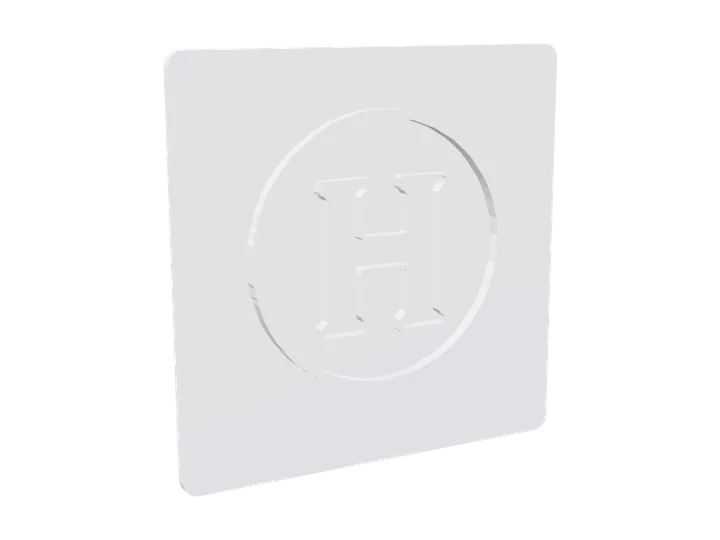
- Letter logo signOutline
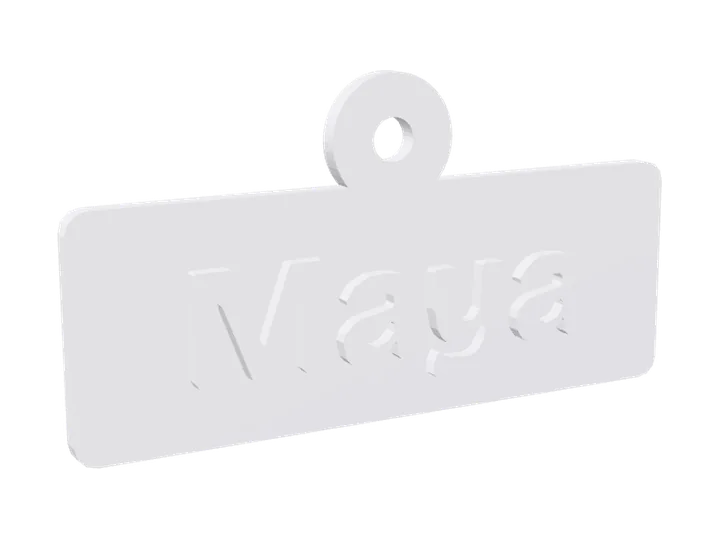
- Name keychainOutline
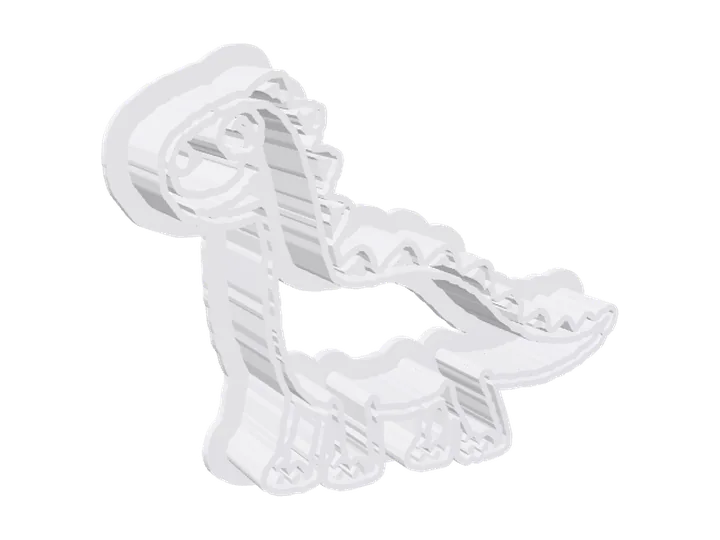 Dinosaur cookie cutterCookie cutter
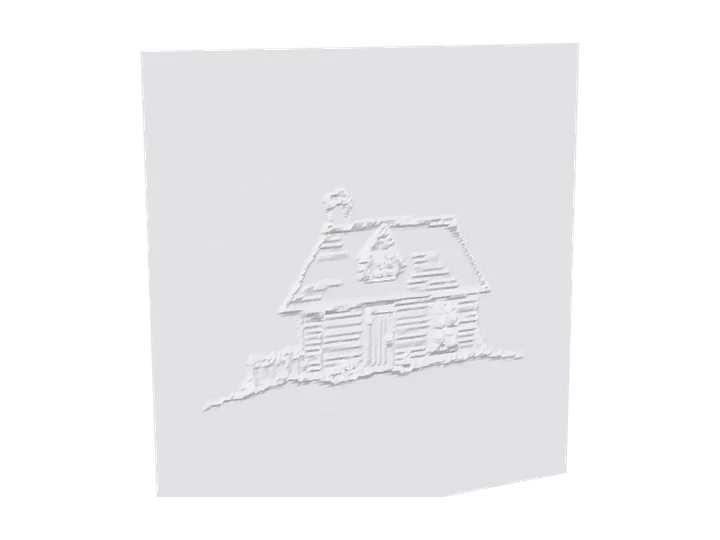 House drawing reliefRelief
 Letter logo3D model
 Shield logo3D model
What a PNG gives you
PNG is the easiest format to turn into an STL, for four reasons.
Transparency becomes the shape
When your PNG has a transparent background, the solid parts are raised and the see-through parts stay flat. There is no need to remove a white background first.
Sharp edges stay sharp
PNG keeps every pixel, so lettering and logo edges come out clean. The outline is traced between pixels, so curves are smooth rather than stepped.
Resolution sets the detail
Each pixel covers the plate width divided by the picture width. A 1,000-pixel PNG printed 80 mm wide gives 0.08 mm per pixel, finer than any FDM nozzle. Below about 300 pixels, small text gets soft.
Contrast matters, not colour
An STL has one colour. Without transparency, dark parts are raised; switch on “Raise the light parts instead” for a white logo on a dark background.
Four things to make from a PNG
A raised logo or sign
Outline stands the shape 2 mm above a 2 mm plate with rounded corners. Good for badges, door signs, desk plaques and box lids.
A keychain or name tag
Switch on the keyring hole and a round tab with a 4 mm hole appears at the top edge. 50 to 60 mm wide is a common keychain size.
A cookie cutter
Cutter runs a 1 mm wall along the outline, 15 mm tall, with a 3 mm flange on top. Cutters touch food: print with a filament sold as food-safe and wash by hand.
A shaded relief
For artwork with shading, Relief turns light and dark into height, like a carved plaque. Smoothing at 1 or 2 keeps it from looking grainy. To choose between a relief and a full 3D model, see Image to STL.
PNG to STL settings that print well
Letters at least 5 mm tall
Smaller lettering loses the holes in a, e and o on a 0.4 mm nozzle. Make the plate wider if the text in your PNG is small.
Plate 2 mm, raised 1.5 to 2 mm
That is readable from across a room and quick to print. Print plates flat on the bed; they need no supports.
Move the Outline at slider
It sets where the edge falls between dark and light. Move it left to thin the shapes, right to thicken them. It helps with soft, anti-aliased edges and thin strokes.
Two colours with one filament change
Pause the print at the top of the plate and swap filament, and the raised logo comes out in a second colour. With the default plate, that is at 2 mm.
What PNG to STL can’t do
Photos make busy plates
A PNG photo works, but every shade becomes height. Crop to the subject and use Relief with smoothing, as JPG to STL explains, or make a 3D model instead.
Hairlines vanish
Lines thinner than your nozzle can’t print. Thicken them in the picture, print larger, or choose Fine detail.
No text tool yet
To make a name plate, type the name in any image editor, export a PNG and drop it here.
SVG is not supported yet
Export your SVG as a PNG at 1,000 pixels or more, then convert that.
PNG to STL questions
Is this PNG to STL converter free?
Yes. Outlines, reliefs and cookie cutters are free to make and download, with no account and no watermark.
Does it keep transparent backgrounds?
Yes. When at least 2% of the picture is see-through, the solid parts are raised and the transparent parts become the flat plate.
Is my PNG uploaded?
No. The PNG is read and turned into an STL inside your browser. Only the 3D model option uploads a picture, and it says so before you start.
What size should my PNG be?
500 to 2,000 pixels on the long side works well. Files up to 20 MB are fine; the tool samples them down to the detail you choose, so bigger files don’t add detail.
How do I convert a PNG to STL for a keychain?
Choose Outline, set the width to about 50 mm and switch on the keyring hole. A 2 mm plate with 1.5 mm raised letters is sturdy enough to carry.
How do I make a cookie cutter from a PNG?
Choose Cutter. It follows the outline of the solid shapes. Bold, simple silhouettes cut best; fine detail inside the shape is ignored.
Can I get a full 3D model from a PNG?
Yes. Switch to 3D model above the upload box: the AI builds a full object from the picture, sides and back included. That uses a free preview or credits.
Will the STL be watertight?
Yes. Every file is checked before you download it, so your slicer sees one closed solid with no holes or loose faces.
Can I print it in two colours?
Yes, with a filament change: pause at the top of the plate (2 mm by default), load the second colour and resume.
My PNG has a white background. Is that a problem?
No. Without transparency the tool uses brightness, so a dark logo on white is raised and the white becomes the plate. Use “Raise the light parts instead” for a light logo on a dark background.
Can I use a JPG instead?
Yes. JPG works the same way, without transparency. For photos, the JPG to STL page has tips on JPEG noise and smoothing.
Can I resize the STL after downloading?
You can, but set the size here instead. Scaling in a slicer stretches everything, so a 2 mm plate scaled to 150% becomes 3 mm and the raised logo grows with it. Setting the width here keeps the plate and the raised height at the millimetres you chose.