Image to STL
Turn a photo or picture into an STL file you can print. Choose a full 3D model made with AI, or a flat relief that keeps the lines of a logo or drawing. This image to STL converter sets the size in millimetres and checks that the file is watertight before you download it.
Your photo is deleted after 7 days and never used to train AI.
Which image to STL route do you need?
Both give you an STL file. Pick by what is in your picture and what you want to hold in your hand.
| 3D model | Relief | |
|---|---|---|
| Best for | Pets, people, toys and figurines photographed as real things | Logos, names, drawings, signs, keychains and cookie cutters |
| What you get | A closed model of the whole subject, sides and back included | A plate with the picture raised from it, by light and dark or by its outline |
| Where it’s made | In the cloud, with Rodin Gen-2.5 Fast | In your browser. Your image is not uploaded |
| Cost | Two free previews a day. Downloads from $9.90 a month, or with a Credit Pack | Free, including the STL download, with no account |
| Time | Usually under a minute | A second or two, and it updates as you change settings |
| Size | You set the height in millimetres | You set the width, plate thickness and relief height in millimetres |
How to convert an image to STL
- 01
Add your image
Drop a photo, a drawing or a logo into the box, or paste it from your clipboard. One clear subject on a plain background gives the cleanest result either way.
- 02
Pick 3D model or relief
For a relief, choose Relief, Outline or Cutter, then set the plate width, its thickness and how high the picture stands. For a 3D model, the workspace opens with your picture and you pick Quick or Standard quality.
- 03
Check it, then download the STL
Turn the preview around, confirm the size in millimetres and that the file is watertight, then open the STL in PrusaSlicer, Bambu Studio, Cura or OrcaSlicer.
Image to STL examples
Real results: 3D models made with Standard quality, and reliefs made with the free tool on this page.
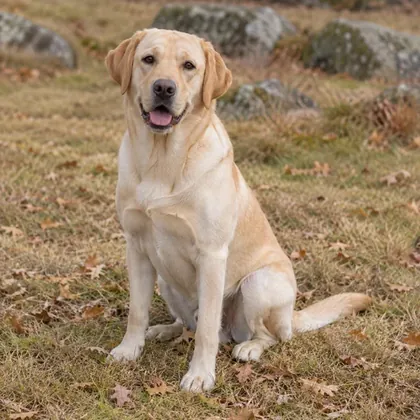
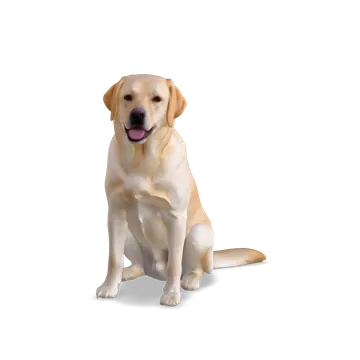
- Yellow Labrador3D model
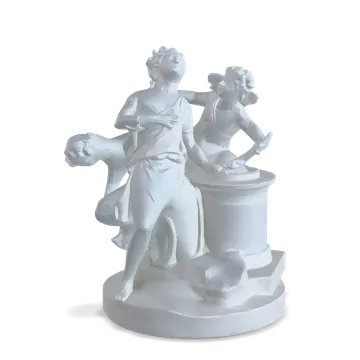 Porcelain figurine3D model
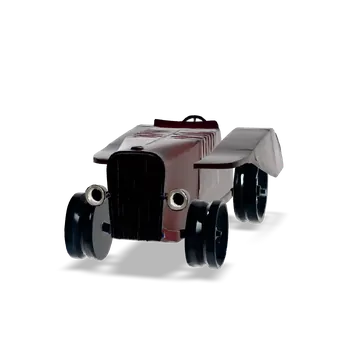 Old toy car3D model
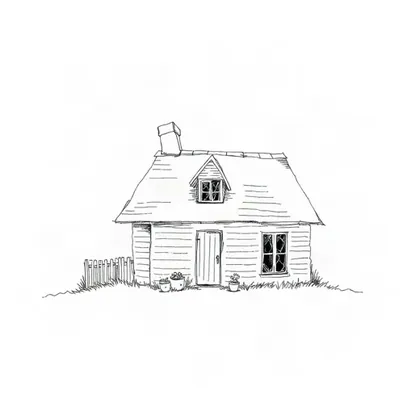
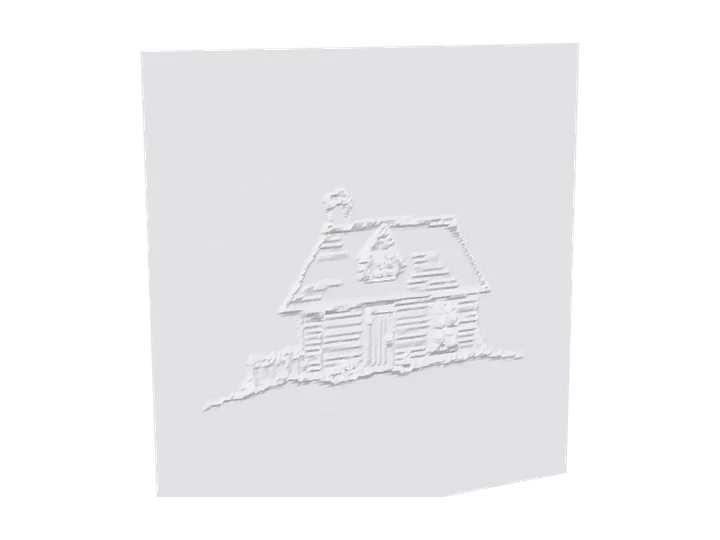
- House drawing reliefRelief
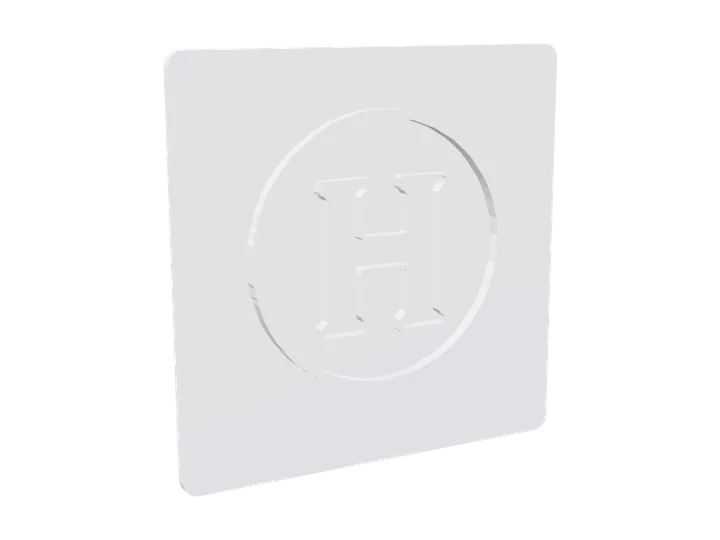 Letter logo signOutline
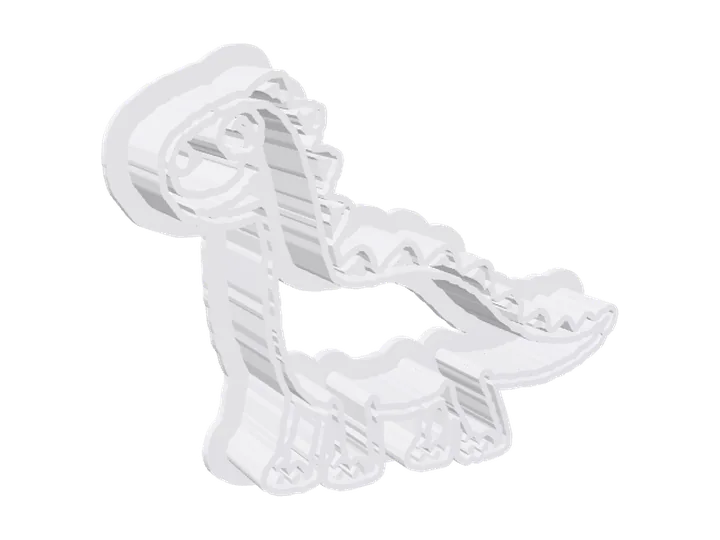 Dinosaur cookie cutterCookie cutter
Pictures that make good STL files
Most problems with a picture to STL conversion start in the picture. These four habits fix nearly all of them.
One subject, plain background
The AI builds whatever it sees. A cluttered background can turn into extra shapes in a 3D model, and into bumps all over a relief plate. A wall, a sheet or a table top behind the subject is enough.
Soft, even light
Hard shadows read as dents in a 3D model and as dark, raised patches in a relief. Daylight from a window, or a cloudy day outside, works better than a flash.
Show the whole thing
Cut-off paws, wheels or letters come out missing. Leave a little space around the subject so nothing touches the edge of the picture.
Strong contrast for reliefs
A relief follows light and dark, so black lines on white paper, or a dark logo on a light background, give crisp raised edges. Pale, grey pictures give flat plates. If your logo is a PNG with a transparent background, PNG to STL explains how that is handled.
Relief settings that print well
The defaults print on most machines. Change these when your picture or printer needs it.
Plate: 2 mm or more
A 2 mm plate stays flat and stiff at 80 mm wide. For plates over 120 mm, use 3 mm so the corners don’t lift or warp while printing.
Relief: 1 to 4 mm
Lines raised 2 to 3 mm are easy to see from across a room and quick to print. Very tall detail on a thin plate makes a fragile print.
Lines wider than your nozzle
With a 0.4 mm nozzle, lines thinner than about 0.5 mm at print size disappear. Make the plate wider, choose Fine detail, or thicken the lines in the picture.
Keyring tabs
Switch on the keyring hole for name tags and keychains. It adds a round tab with a 4 mm hole at the top edge, outside your picture.
What image to STL can’t do yet
The back of a 3D model is a guess
One photo shows one side. The AI fills in what it cannot see, so a logo or pattern on the back will not appear.
Thin parts may come out thick or missing
Whiskers, wires, lace and see-through objects are hard for every image to 3D model tool, ours included.
STL is one colour
The colours in a 3D model preview are for viewing. An STL holds shape only; multi-colour 3MF is not available yet.
A relief follows light and dark
A busy photo makes a busy plate, and a dark shirt stands higher than a pale face. Crop to the subject, or use a drawing or logo with clear edges. For photos, JPG to STL covers smoothing and contrast.
Image to STL FAQ
Can I convert an image to STL for free?
Yes. A relief is free, download included, and needs no account. A 3D model can be previewed free twice a day; downloading it needs a Credit Pack or a plan, from $9.90 a month.
Is my image uploaded?
For a relief, no: it is turned into a model inside your browser and never leaves your computer. For a 3D model, yes: it is processed in the cloud, deleted after 7 days and never used to train AI.
What size will my STL be?
You choose. Set the width, plate thickness and relief height of a relief, or the height of a 3D model, in millimetres before you download. The file opens at that size in your slicer.
Can I turn a photo into an STL?
Yes. For a person, a pet or an object, choose 3D model: the AI builds the whole shape from one photo. For a flat keepsake, choose Relief; it works best on photos with clear light and dark areas.
Can I turn a logo into an STL?
Yes. Choose Relief, then Outline, for a flat sign, badge or keychain with crisp edges. Choose 3D model if the logo is on an object you photographed.
Will the STL print without errors?
Every relief is checked to be watertight before you download it. Standard 3D models came out watertight in our tests, and all 27 example files on our site sliced in PrusaSlicer without errors.
Can I make a cookie cutter from an image?
Yes. Choose Relief, then Cutter. A 1 mm wall follows the outline of the dark shapes, 15 mm tall, with a 3 mm flange on top. Simple, bold shapes cut best.
Which slicers can open the file?
Any slicer that reads STL, including PrusaSlicer, Bambu Studio, OrcaSlicer and Cura. Units are millimetres, so nothing needs rescaling.
How long does it take?
A relief appears in a second or two and updates as you change the settings. A 3D model usually takes under a minute.
Which formats besides STL?
Reliefs download as STL. 3D models also download as GLB and OBJ, with the same size settings.